Living Roots Initiative · Website decision

Two ways to build the new website

Both versions use the same words and the same photos. What changes is how the site looks and feels, and who can make changes to it later. Open each one, click around, and tell Tyler which you prefer.

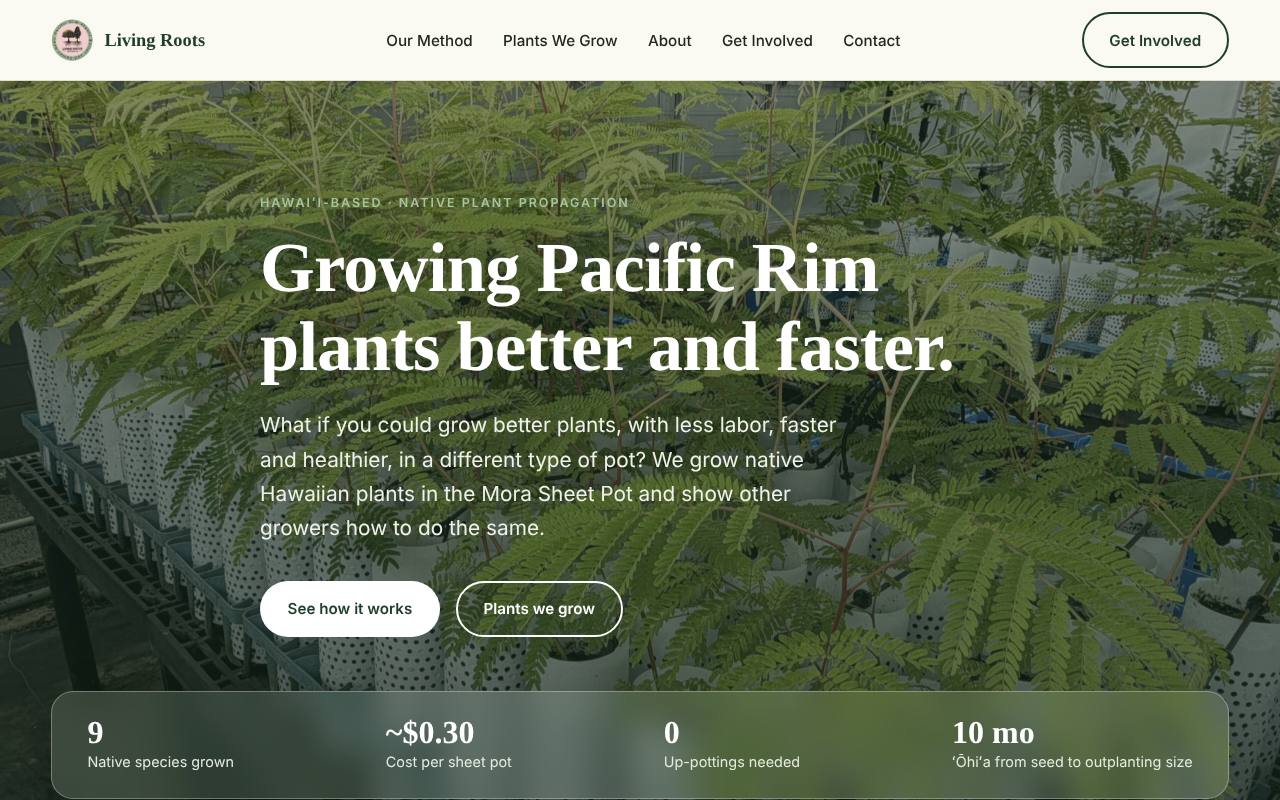
Option A home page: a full-width nursery photo with the headline and a frosted glass bar of four numbers
A

Custom-built site

The site as designed for Living Roots: chaptered story, growth stage viewer for each plant, frosted glass panels, and photos with depth.

This is the working site. Everything you see is built.

Open Option A
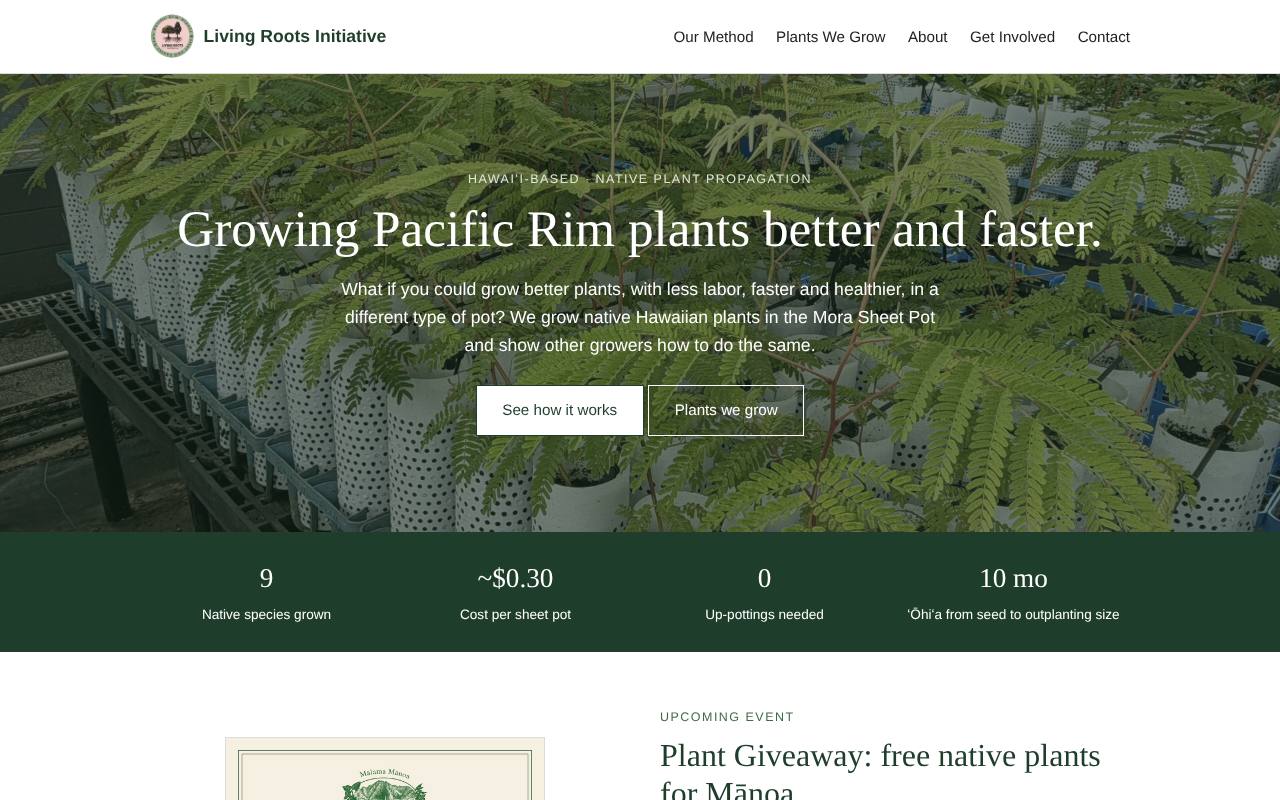
Option B home page: the same photo and headline in a plain centered layout with a solid green bar of four numbers
B

Built inside Wix

The same content laid out with the standard blocks Wix offers: plain sections, simple photo galleries, a tabs block for the story, and Read more links on the bios.

This is a mock-up, an estimate of the Wix result, not an actual Wix page. Each block in it was checked against what the Living Roots Wix editor offers.

Open Option B

Side by side

Three places where the two versions differ the most.
Home page

Option A home page
A. The numbers sit on frosted glass over the nursery photo.
Option B home page
B. Centered headline, then a solid green bar.

Brenda's story

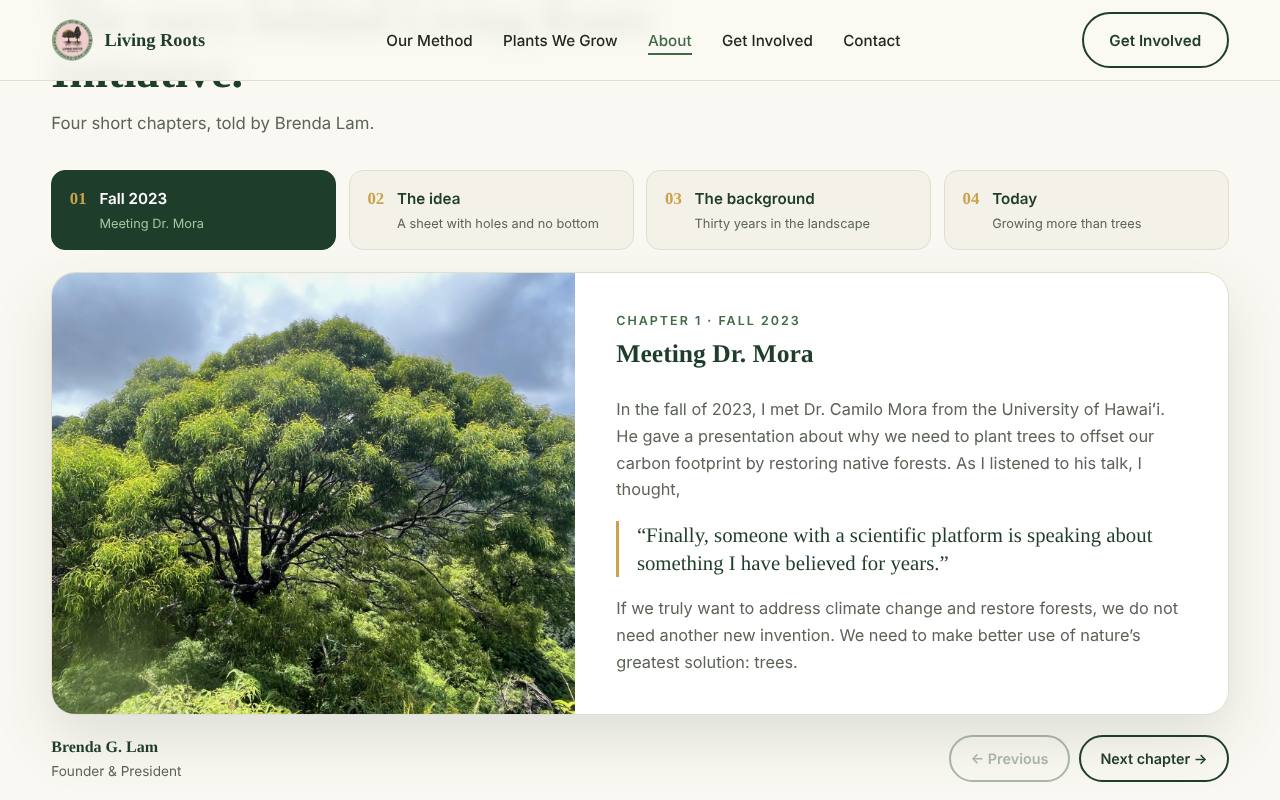
Option A story section with four chapter buttons and one chapter open
A. Four short chapters. The reader clicks through them.
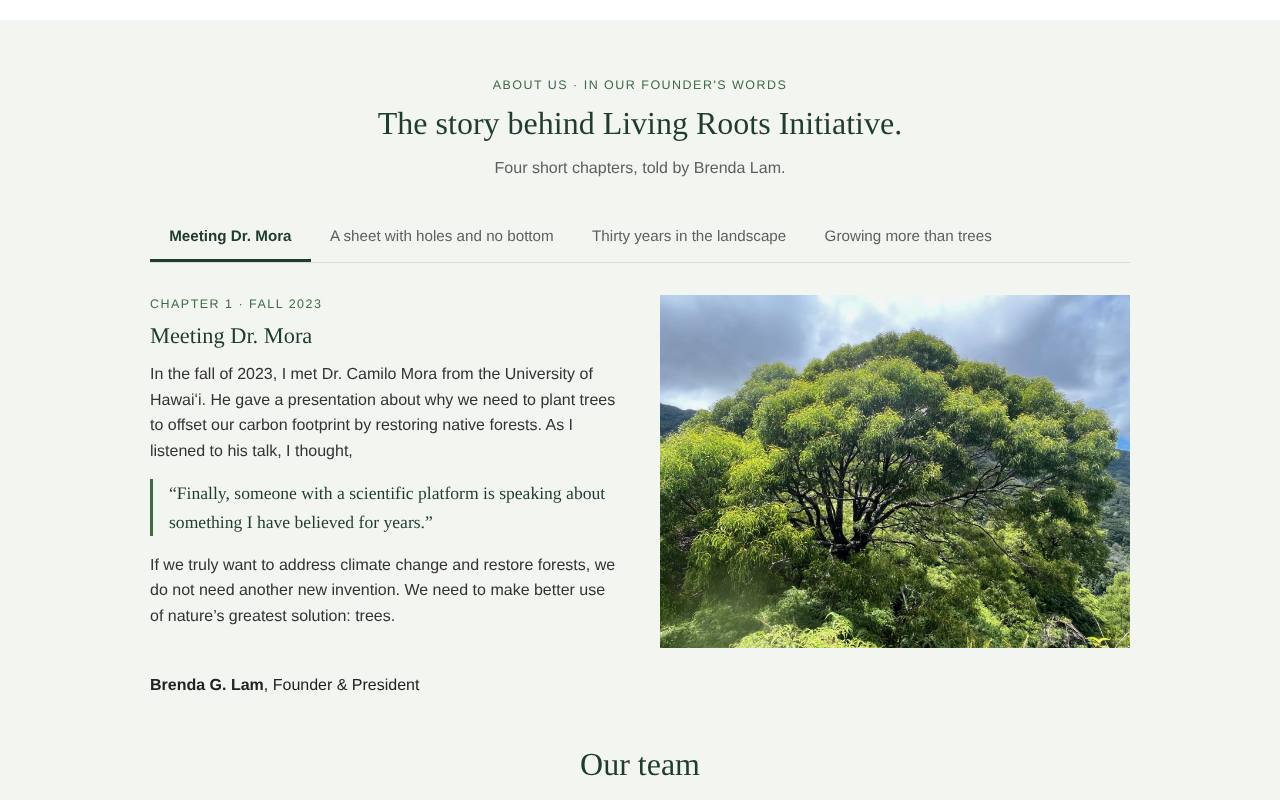
Option B story section with a row of four tabs and one chapter open
B. The same four chapters in a standard Wix tabs block.

Plant photos

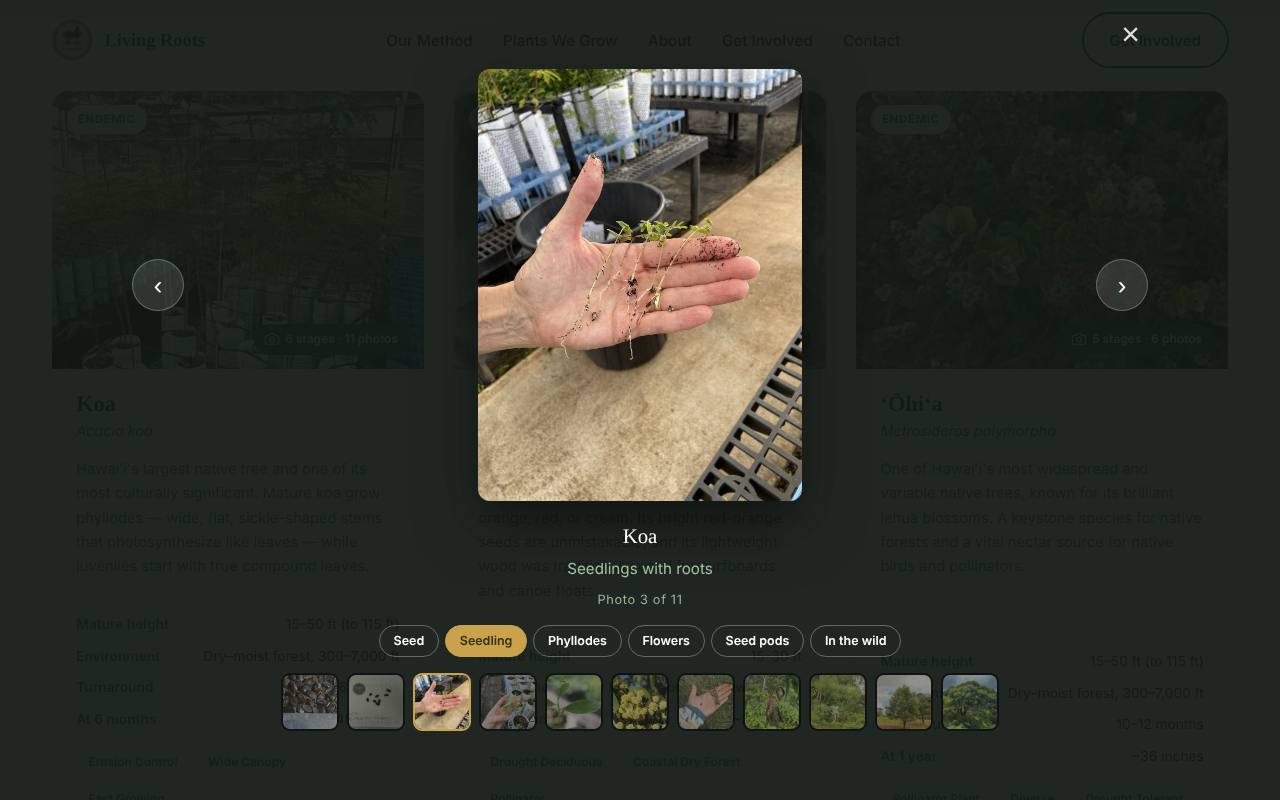
Option A growth stage viewer for koa with buttons for Seed, Seedling, Phyllodes, Flowers, Seed pods and In the wild
A. A viewer for each plant with a button for every growth stage.
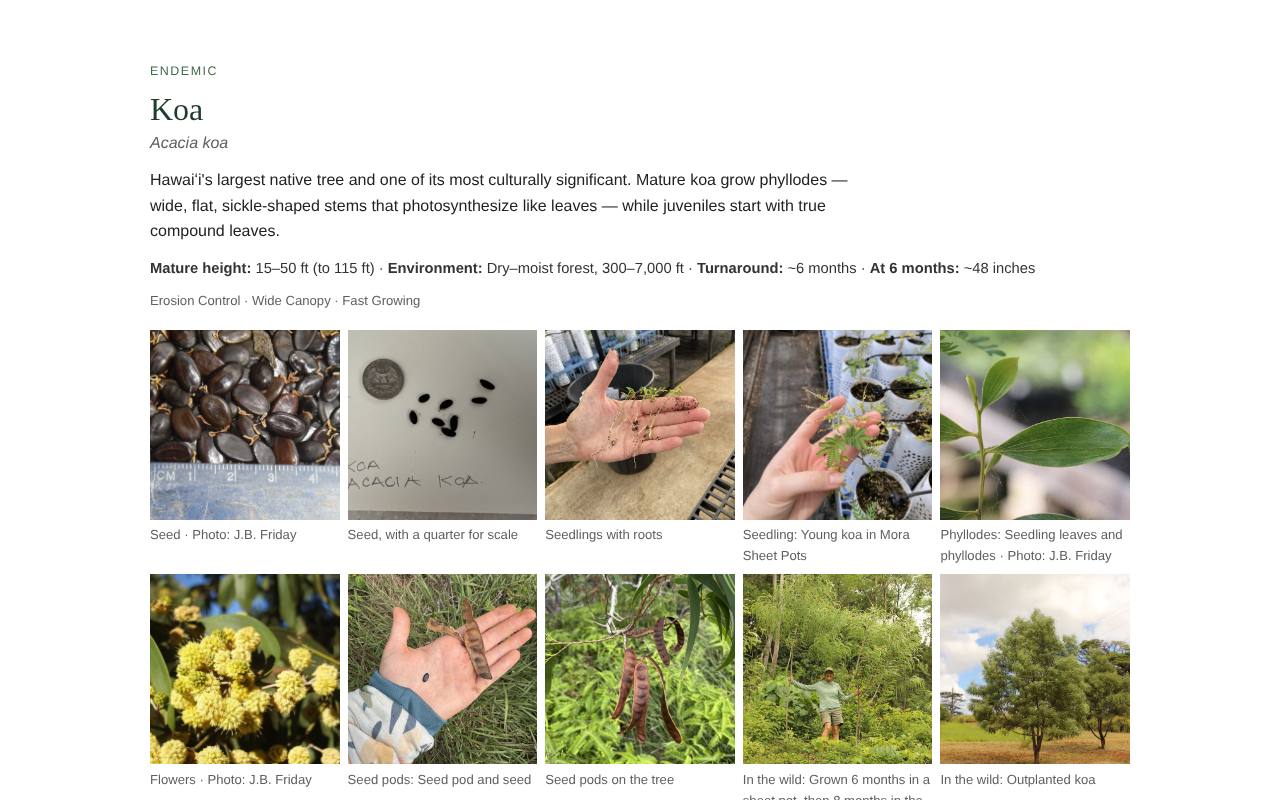
Option B koa section with a grid of photos and captions
B. A photo grid for each plant. Click a photo to enlarge it.

What changes between the two

Topic
A · Custom-built
B · Inside Wix
Look and feel
Option A
Layered photos, frosted glass panels, cards that respond when you move over them.
Option B
Clean and plain. It will look like a standard Wix site.
Growth stages
Option A
Each plant opens a viewer grouped by stage: seed, seedling, sheet pot, flowers, in the wild.
Option B
A standard photo gallery per plant, with the stage named in each caption.
Our story
Option A
Four chapters in Brenda's words, one on screen at a time.
Option B
The same four chapters in a standard tabs block. Same click-through, plainer look.
The eight videos
Option A
Eight cards are ready. Each video plays in a pop-up player once the links are added.
Option B
Eight videos in a Wix video block once the links are added.
Making changes later
Option A
Changes go through Tyler. There is no visual editor for Brenda to use herself.
Option B
Anyone with the Wix login can change text and photos in the Wix editor.
Contact and volunteer forms
Option A
The forms are designed but need a form service connected before launch.
Option B
Wix has its own forms built in.
Where it lives
Option A
Hosted outside Wix. The web address is pointed at the new site.
Option B
Stays in the current Wix account.
Work left to do
Option A
Add the videos, connect the forms, final approvals, then set up hosting.
Option B
Rebuild every section by hand in the Wix editor, then the same videos and approvals.

What stays the same either way

The wordsEvery heading, paragraph, name, title and bio in Option B is copied from Option A.
The photosBoth pull from the same reviewed photo library, including all nine plants.
The web addressVisitors keep using livingrootsinitiative.org.

What to try in each one